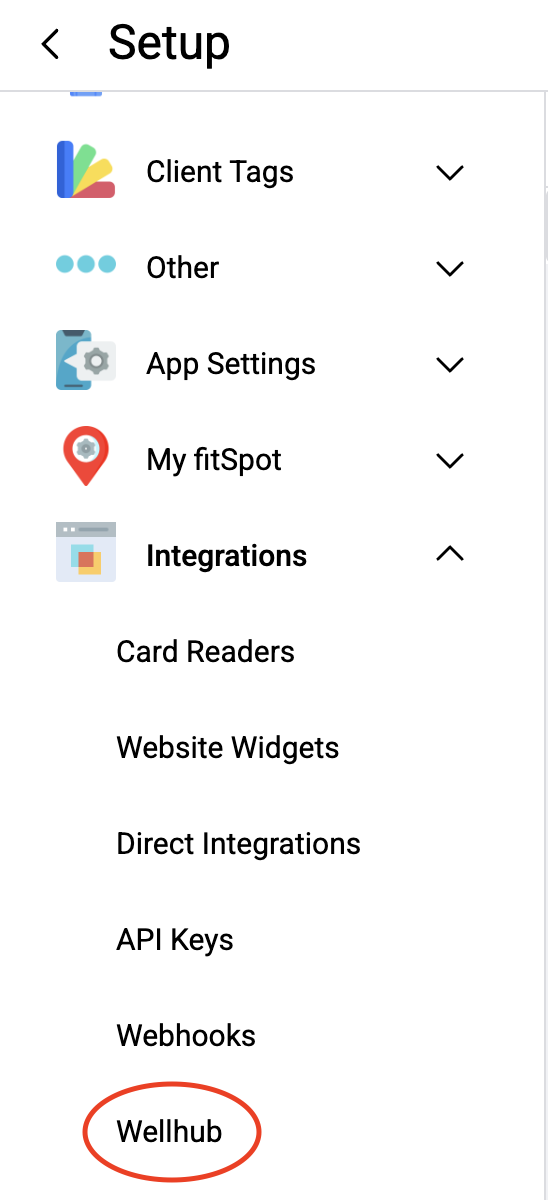
From your Live Schedule, click on the Menu button in the upper left corner and choose Setup. Once in your Setup screen, click on the dropdown menu for Integrations and choose Wellhub.
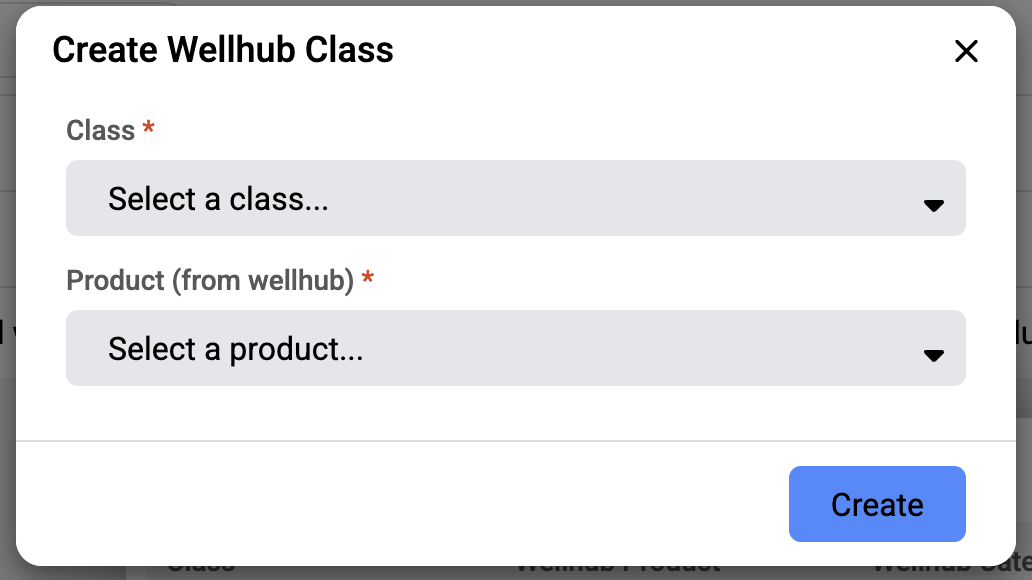
A studio’s class sessions will be shared between fitDEGREE and Wellhub when you add a Class to this screen. You can do so by clicking “+ Add class”.
The dropdown for “Class” will pull a list of all of the Classes you’ve created in fitDEGREE via your Class Manager.
The dropdown for “Product (from Wellhub)” will determine on the Wellhub platform if this is a Virtual or In Person class offering.
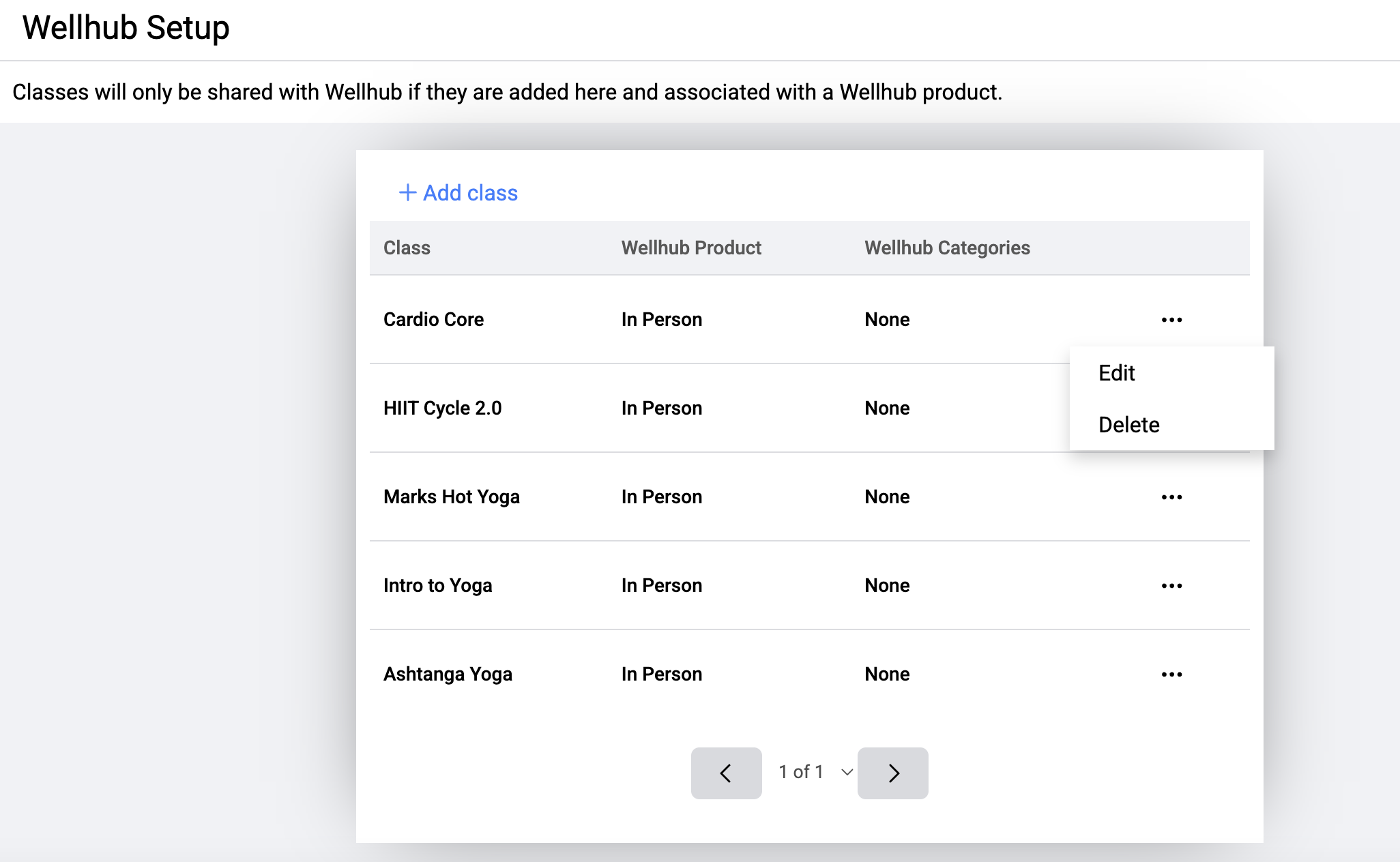
Once a Class is added to this list, it will sync up with your Wellhub account and offer those class sessions for the next 3 months.
If you’d like to remove class sessions of a certain Class from your Wellhub account, you can return to this screen, click on the three dots in the row of that Class, and choose Delete.
Was this article helpful?
That’s Great!
Thank you for your feedback
Sorry! We couldn't be helpful
Thank you for your feedback
Feedback sent
We appreciate your effort and will try to fix the article